


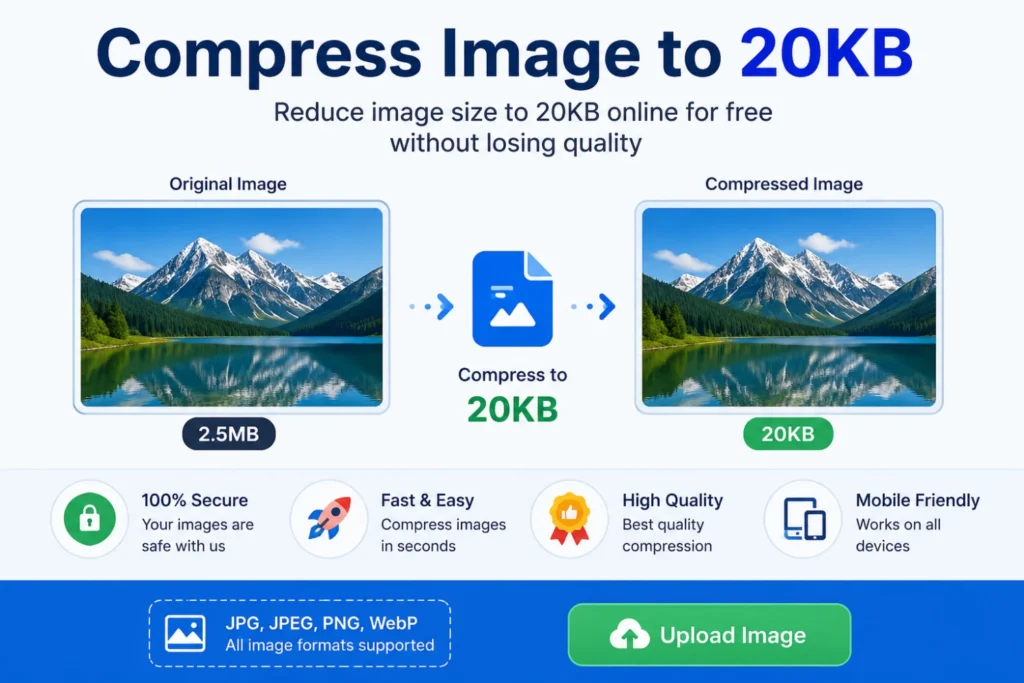
Compress Image to 20KB Online Free
Compress Image to 20KB Online Free for Government Job applications helps users resize JPG, PNG and WEBP images online for SSC, UPSC, railway and passport forms instantly.
Thank you for reading this post, don't forget to subscribe!Image Resizer Tool
Resize JPG, PNG & WEBP images instantly.
Drag & Drop Image Here
or click to browse files

Why Use Our Image Resizer Tool?
Trusted by students, job seekers & professionals across India.
Fast Processing
Resize images instantly in your browser.
100% Secure
Your images are never uploaded to servers.
Mobile Friendly
Works on Android, iPhone & desktop devices.
Multiple Formats
Supports JPG, PNG & WEBP image formats.
Benefits of Using Photo Resizer for Government Job Forms
Our Photo Resizer for Government Job applications helps students, job seekers and professionals quickly resize images online without installing any software.
How to Use Photo Resizer for Government Job Forms
Follow these simple steps to resize your image online instantly.
FAQ :
Q1.How do I compress an image to 20KB?
You can upload your JPG, PNG, or WEBP image, enter the required width and height, choose the format, and download the resized image instantly using our free online image resizer tool.
Q2.Is this tool free?
Yes. Our Compress Image to 20KB tool is completely free to use. There are no registration requirements, hidden charges, or limits for basic image compression, making it ideal for students, job seekers, and anyone who needs to meet file size requirements
Q3.Does it work on mobile?
Absolutely. The tool is fully responsive and works smoothly on Android phones, iPhones, tablets, laptops, and desktop computers. You can compress images directly from your mobile browser without installing any app.
Q4.Will image quality decrease?
Our compression algorithm is designed to preserve image quality as much as possible while reducing the file size to 20KB. In most cases, the visual difference is minimal. However, if the original image is very large or contains a lot of detail, a slight reduction in quality may be necessary to achieve the exact 20KB target.
Q6.How do I resize an image for government forms?
Upload your image, enter the required dimensions, select the desired format, and download the resized image for SSC, UPSC, railway, or other government application forms.